Installing the right coupon finding browser extensions instantly slashes your checkout totals without forcing you to spend hours hunting for working promo codes. These lightweight browser tools test hundreds of promotional vouchers, activate hidden cash-back rebates, and cross-reference competitor prices in mere seconds while you shop online. When everyday household expenses compete for your hard-earned paycheck, automating these micro-savings frees up critical cash for emergency funds and essential bills. Rather than relying on guesswork or leaving money on the table, you can deploy intelligent discount software that works quietly in the background on your desktop or laptop.

Why Automated Coupon Extensions Matter for Your Budget
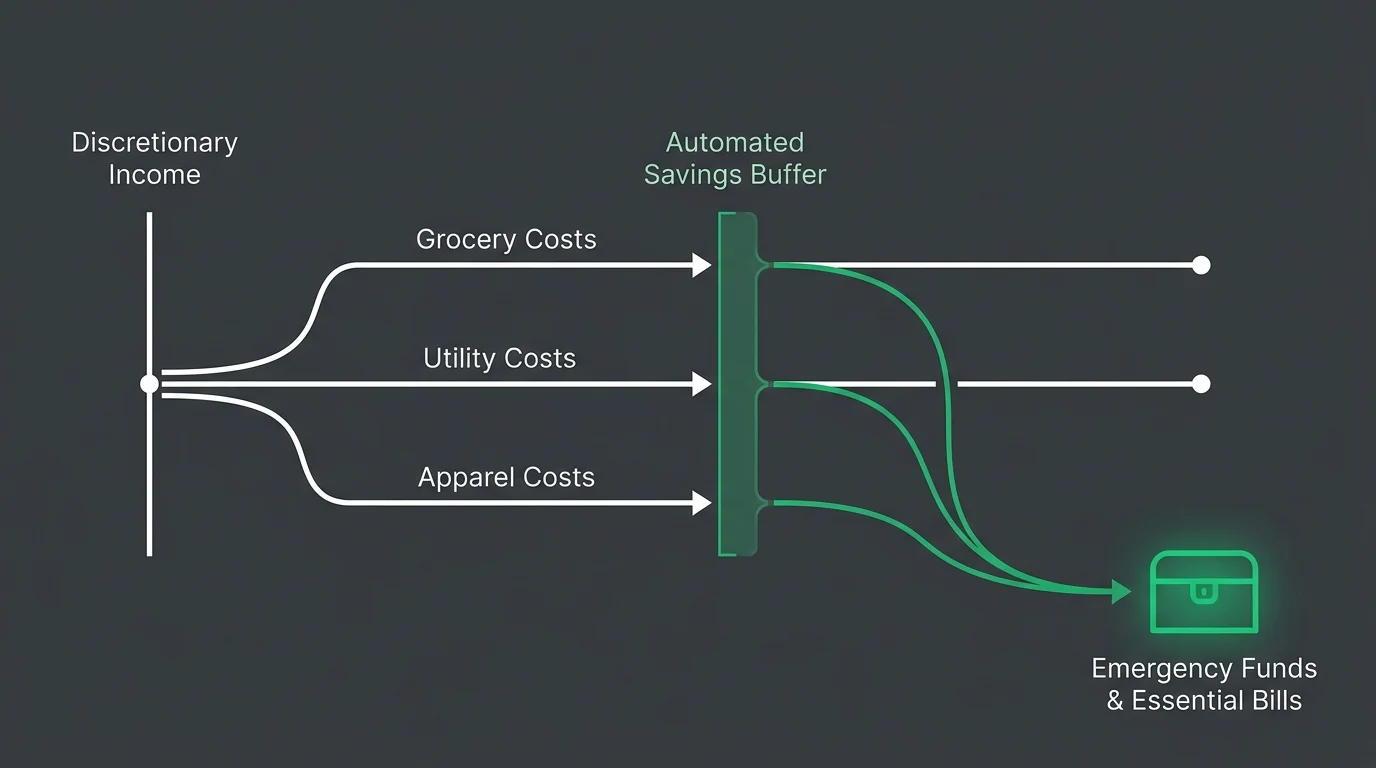
Consumer research indicates roughly 64% of digital shoppers hunt for coupon codes before completing an order, while 85% abandon digital carts when promo codes fail. Data from the Bureau of Labor Statistics Consumer Expenditure Survey reveals how rising utility, grocery, and apparel costs squeeze household discretionary income. Manually scouring broken coupon blogs wastes time and breeds frustration. Automatic savings extensions transform your web browser into an active personal finance assistant, systematically injecting verified promotional codes and cash back directly into checkout fields. Pairing automation with everyday spending allows middle-income households to combat retail markups without sacrificing quality of life. The Consumer Financial Protection Bureau underscores the value of automated financial safeguards; discount tools provide that exact defensive buffer at checkout.
The 8 Best Automatic Coupon and Savings Browser Extensions
Each browser extension approaches online savings uniquely, ranging from automated code testing to price tracking. Selecting the right tools ensures you never overpay for household essentials, tech gear, or wardrobe updates.
1. PayPal Honey
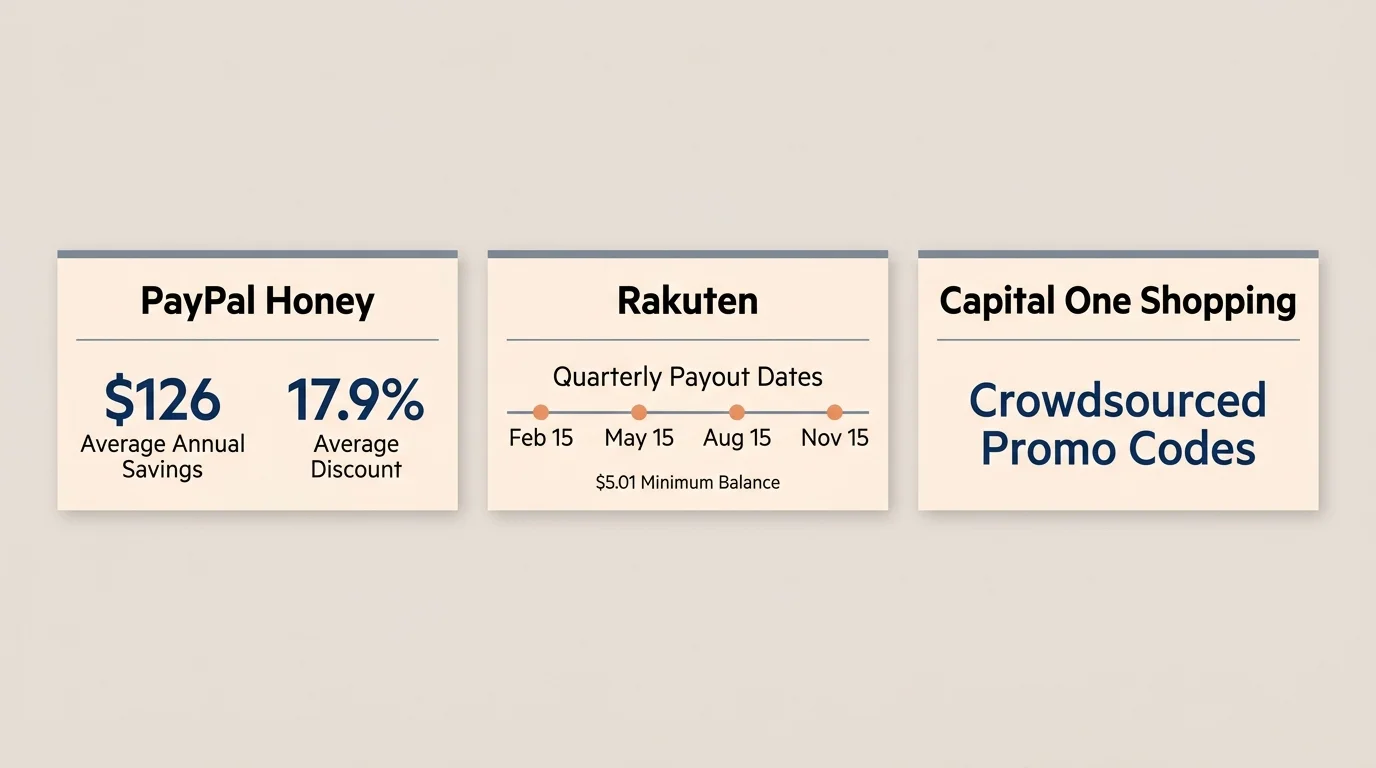
PayPal Honey stands out as an automated shopping powerhouse, supporting over 30,000 online merchants with more than 17 million active members. Honey reports an average user savings of approximately $126 per year, delivering an average cart discount of 17.9% when valid promotional codes exist. Beyond automated code testing at checkout, the extension features a Droplist tool that tracks specific product prices and alerts you when items drop below historical averages. You can also accumulate PayPal Rewards points on qualifying orders, converting everyday purchases into digital cash or gift cards.
2. Capital One Shopping
Capital One Shopping delivers immense utility without requiring a Capital One credit card or bank account; it remains 100% free to the general public. This extension scans thousands of online merchants—including third-party sellers across the Amazon marketplace—to locate cheaper identical items while you browse. At checkout, Capital One Shopping runs automated algorithms to test crowdsourced promo codes against your cart. Accumulated shopping credits convert directly into digital gift cards from major retailers, turning regular household restocking into predictable earnings.
3. Rakuten
Formerly known as Ebates, Rakuten maintains an extensive affiliate network spanning more than 3,500 partnered retail stores. While Rakuten automatically tests discount codes during checkout, its core strength lies in high cash-back rates across major retailers. The platform distributes earned funds quarterly on February 15, May 15, August 15, and November 15, provided your confirmed balance reaches at least $5.01. You can receive payouts via PayPal, physical check, American Express Membership Rewards points, or Bilt points.
4. RetailMeNot Deal Finder
RetailMeNot Deal Finder connects to merchant databases across more than 3,800 partner stores to eliminate checkout friction. The extension automatically tests coupon combinations in one click while stacking available merchant cash-back offers on top of promotional discounts. This dual-action mechanism prevents you from choosing between an upfront promo code and a future cash-back rebate. Once your earnings clear verification, RetailMeNot allows you to transfer your payout quickly using PayPal or Venmo.
5. Coupert
Coupert delivers massive global reach, maintaining promotional coverage across more than 200,000 online storefronts and serving over 8 million users worldwide. The extension uses artificial intelligence algorithms to locate hard-to-find coupon codes while activating dynamic cash-back rates that reach up to 40% during special promotions. Coupert supports international and niche regional retailers that other extensions often overlook. Its shortened processing cycles mean your cash-back earnings confirm rapidly, allowing you to withdraw funds to PayPal without lingering validation delays.
6. TopCashback Browser Extension
TopCashback sets a high benchmark for pure value by passing 100% of its affiliate sales commissions back to consumers across 7,000 merchant stores. Unlike competitors that enforce withdrawal minimums, TopCashback features a $0 minimum payout threshold, allowing you to withdraw any earned balance whenever you want. The browser extension alerts you to active cash-back rates immediately upon landing on participating sites and applies available coupon codes automatically. You can route payouts directly to your bank account via ACH transfer or deposit them into PayPal.
7. Ibotta Extension
The Ibotta browser extension translates grocery rebate dominance into desktop shopping, targeting consumer packaged goods, grocery deliveries, and mass-market retailers like Walmart, Target, and Sam’s Club. When you build an online grocery order or restock household essentials, the extension alerts you to specific manufacturer rebates and instant storewide coupons. Ibotta enforces a $20.00 withdrawal threshold before you can transfer funds to a linked bank account, PayPal, or digital gift cards, making it ideal for frequent family grocery shoppers.
8. The Camelizer
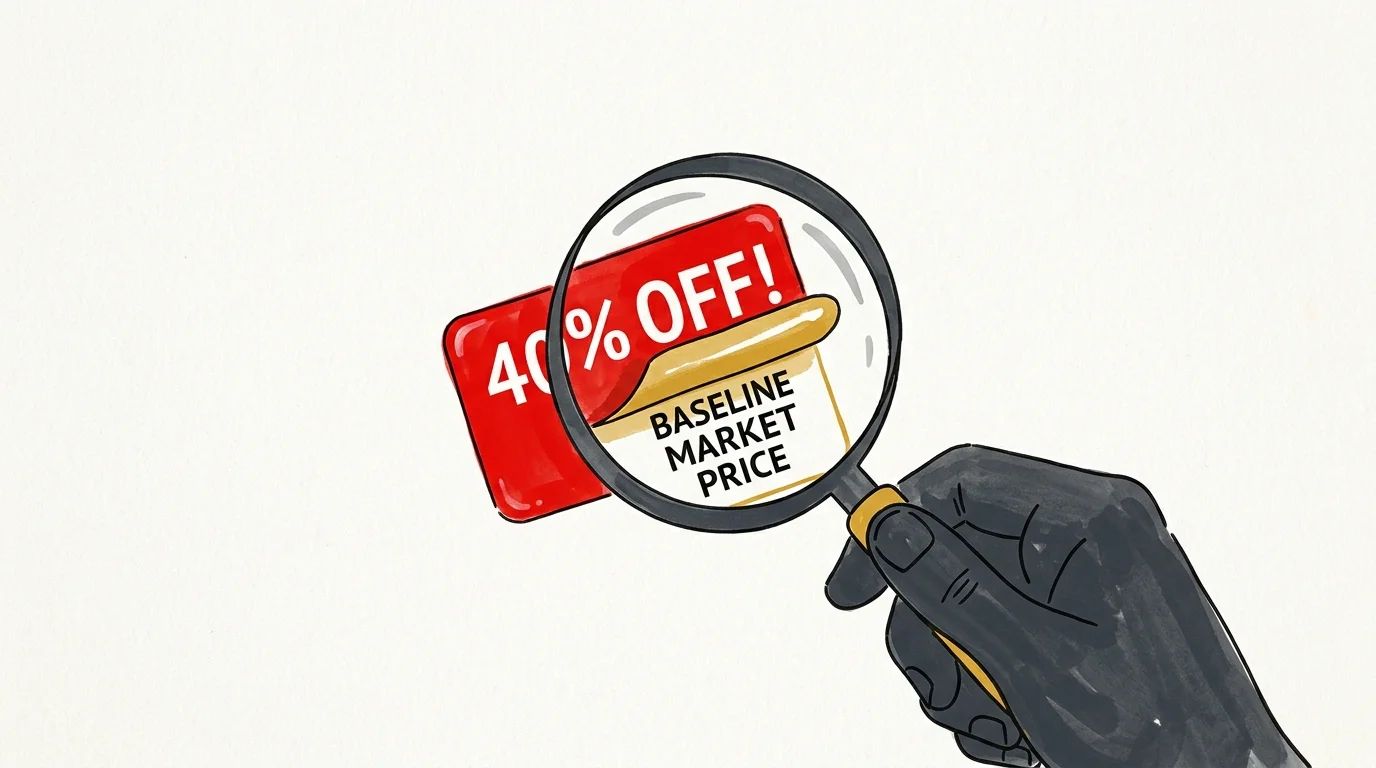
Developed by price-tracking authority CamelCamelCamel, The Camelizer takes an analytical approach rather than testing promo codes. The extension embeds comprehensive historical price charts into your browser across Amazon marketplaces in the United States, Canada, the United Kingdom, Australia, and Europe. This transparency reveals whether an advertised discount tag or clippable vendor coupon represents genuine savings or merely marks down an inflated baseline price. Setting custom price alerts through The Camelizer enables you to wait for legitimate discounts on major household purchases.
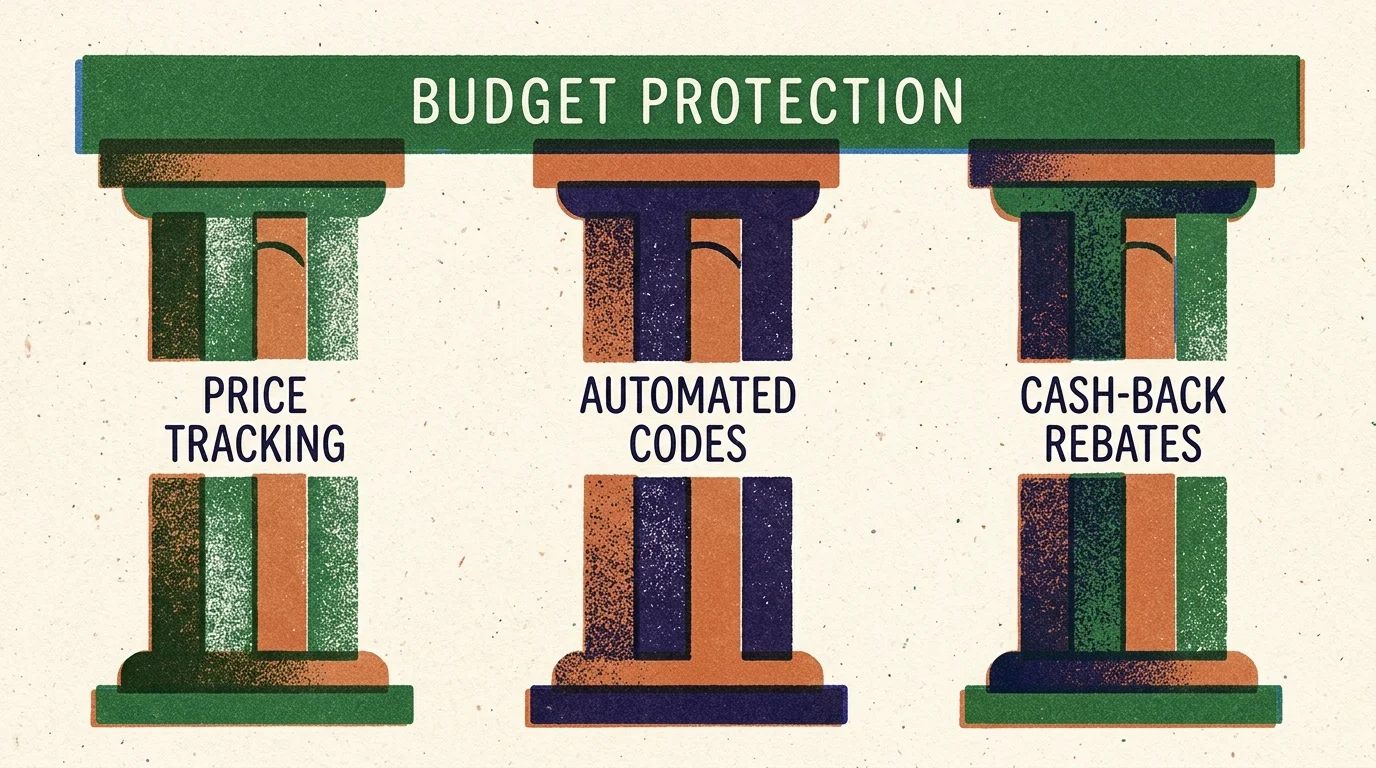
Three Strategic Pillars for Maximizing Automated Online Savings
Installing browser tools is only the first step; deploying them strategically unlocks compounding financial gains. Combining software automation with disciplined purchasing habits creates a reliable buffer for your household cash flow.
Pillar 1: Algorithmic Coupon Stacking
Savvy shoppers never settle for a single discount layer. Optimization involves stacking an automated promo code on top of a baseline cash-back rebate from TopCashback or Rakuten, while funding the transaction with a cash-back credit card. Research on economic resilience from the Federal Reserve Board underscores the importance of optimizing cash flow against inflation. Stacking multiple discount layers on essential purchases routinely trims total out-of-pocket costs by 15% to 25%.
Pillar 2: Cash-Flow Velocity and Payout Management
Different platforms handle cash back on distinct timelines. If you need immediate liquidity, prioritize extensions like TopCashback with a $0 withdrawal threshold or RetailMeNot with Venmo transfers. If you prefer building a holiday fund, Rakuten’s quarterly disbursement schedule acts as a forced savings tool delivering predictable lump sums. Aligning browser tools with your cash-flow calendar prevents earnings from sitting forgotten in inactive accounts.
Pillar 3: Behavioral Defense Against Artificial Markups
Retailers frequently employ psychological pricing tactics, inflating base prices before discounting them to create artificial urgency. Behavioral economists observe that perceived bargains trick shoppers into buying unneeded items. By using price-history extensions like The Camelizer alongside automated coupon finders, you introduce objective data into every transaction. This analytical pause breaks impulsive emotional cycles, ensuring you only spend money on genuine bargains that fit your household budget.
Action Lab: A Real-World Household Budget Breakdown
Consider how a typical household optimizes a quarterly restock of cleaning supplies, personal care items, and home office essentials totaling $300 at a major online retailer. Without automation, full retail price plus sales tax consumes the entire budget allocation. Deploying a deliberate stacking sequence captures dramatic immediate and deferred savings.
At checkout, an automated coupon finder tests verified promo codes, successfully applying an 8% site-wide discount that drops the purchase price to $276.00. Simultaneously, the activated browser extension registers a 6% cash-back rebate on the adjusted subtotal, banking $16.56 into your rewards account. Finally, paying with a standard 2% cash-back credit card earns an additional $5.52. In thirty seconds of automated processing, your net expenditure drops to $253.92—retaining $46.08 in your budget. Replicating this strategy across twelve months of routine shopping generates hundreds of dollars in annual savings.
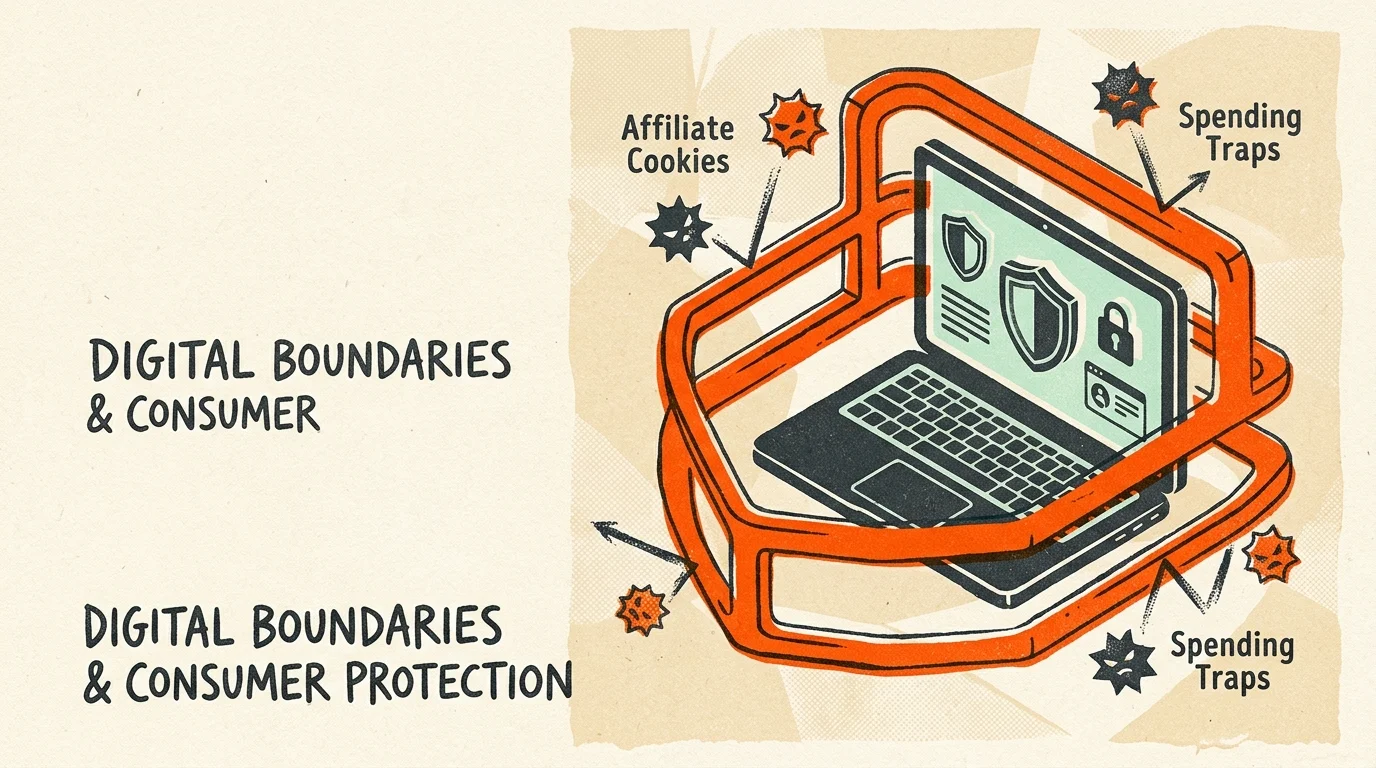
Digital Guardrails: Privacy, Affiliate Cookies, and Spending Traps
While automatic coupon code finders offer financial perks, you must navigate their structural trade-offs wisely. Browser extensions operate by injecting affiliate tracking cookies into your session, allowing the provider to earn a merchant commission. To protect your digital footprint, review permissions during installation and avoid granting extensions access to banking portals or private email accounts. The Federal Trade Commission provides comprehensive guidance on managing online tracking and securing your browser data.
Another trap involves discount-induced overspending. Retailers celebrate savings tools because discounts lower purchase inhibitions, encouraging larger cart sizes. Never allow a 15% discount notification to justify purchasing a non-essential item outside your spending plan. Treat browser extensions strictly as defensive tools designed to reduce the cost of pre-planned purchases, rather than permissions for impulse shopping.
Frequently Asked Questions About Coupon Browser Extensions
Can you run multiple coupon extensions at the same time?
You can install multiple extensions on your browser, but activate only one cash-back extension per checkout session. Merchant affiliate networks credit only one promotional cookie per transaction; running multiple tools simultaneously can overwrite referral links or nullify cash-back rewards. However, you can run price history trackers like The Camelizer alongside any coupon tester without issues.
Do these savings extensions sell your private financial data?
Legitimate coupon finders generate revenue through merchant affiliate commissions rather than selling personal banking records. However, extensions collect anonymized browsing behavior, shopping patterns, and transaction amounts to optimize their algorithms. Always review the privacy policy of any tool you install, and keep extensions disabled when accessing sensitive banking portals.
Why do some automated promo codes fail at the checkout screen?
Promotional codes fail when they encounter merchant restrictions, including category exclusions, minimum spending thresholds, or single-use account limitations. Automated extensions crowdsource thousands of codes from user submissions, meaning expired vouchers occasionally enter the testing sequence. High-quality extensions continuously weed out inactive codes to improve success rates.
How do browser extensions earn money if they are completely free?
Browser extensions operate on an affiliate marketing business model. When an extension applies a working coupon code or activates cash back, the merchant pays the extension provider a percentage commission for referring the sale. The extension keeps a portion of that commission for its operations and passes the remainder back to you as cash back or loyalty points.
The 30-Day Automated Savings Challenge
Transforming your household finances does not require radical sacrifices or tedious spreadsheet tracking on every small purchase. Take ten minutes today to select two complementary extensions—such as an automated code finder like PayPal Honey paired with a zero-threshold cash-back tool like TopCashback—and install them on your primary shopping browser. Over the next thirty days, let the automation handle discount hunting on your regular household purchases, and sweep every dollar saved into an interest-bearing emergency fund. Reclaiming control over your spending starts with small, frictionless victories, and automated coupon tools put those victories on autopilot.